


Your website should do more than just exist - it needs to actively turn visitors into leads. The key? A design that’s simple to navigate, fast, and optimized for mobile. Add clear calls-to-action, user-friendly forms, and trust-building elements like testimonials. Here’s a quick breakdown:
- Clean Design: Keep layouts simple, with clear navigation and readable text.
- Mobile Optimization: Ensure your site works seamlessly on all devices.
- Lead Capture: Use short forms and offer something valuable like guides or free consultations.
- Trust Elements: Showcase reviews, privacy policies, and secure browsing indicators.
- Analytics: Track performance with tools like Google Analytics 4 to refine what works.
Your website should guide visitors toward actions like signing up or reaching out, all while building confidence in your business. Let’s dive into the details.
Build A Powerful Lead Generation Website (step-by-step guide)
Designing a User-Friendly Website
A user-friendly website is the backbone of effective lead generation. Visitors form quick impressions when they land on your site, deciding almost instantly whether to stay or leave. Your design needs to exude professionalism and guide users effortlessly toward key information and actions.
Creating a Clean and Professional Layout
Clutter kills conversions. When visitors are bombarded with too many elements competing for their attention, they’re likely to feel overwhelmed and leave without taking action. A clean layout with plenty of white space and easy-to-follow navigation ensures that your value proposition and lead capture forms stand out.
White space is more than just empty space - it’s a tool for clarity. By giving every element breathing room, you make it easier for visitors to process information and create a polished, professional look.
Keep navigation intuitive and consistent across your site. Stick to familiar design patterns, like placing your logo in the top left corner and arranging your main navigation horizontally at the top or vertically along the side. This helps users quickly locate critical pages, such as your contact or services sections.
Colors matter, too. The psychology of color can influence how visitors perceive your brand. For instance, blue conveys reliability, while green suggests growth and harmony. Choose a color palette that reflects your brand’s identity and ensure text contrasts well with the background to maintain readability.
Limit your font choices to two for a cohesive appearance. Sans-serif fonts like Arial or Helvetica are excellent options because they’re clean, simple, and easy to read at any size.
Making Your Website Mobile-Friendly
With a significant chunk of web traffic coming from mobile devices, having a mobile-friendly website is no longer optional. If your site doesn’t function seamlessly on smartphones and tablets, you risk losing potential leads before they even explore your content.
Mobile-friendly design goes beyond shrinking your desktop layout. A responsive design adjusts layouts, font sizes, and interactive elements to fit various screen sizes. For instance, buttons should be large enough to tap easily, and navigation menus should be touch-friendly rather than relying on hover effects.
Focus on prioritizing essential information for mobile users. Add features like click-to-call phone numbers and simplified forms to make engagement quick and effortless.
Always test your site on real mobile devices to ensure smooth load times, responsive touch interactions, and easy readability.
Improving Website Speed and Accessibility
Page speed is critical for keeping users engaged. Even slight delays in loading can drive visitors away, costing you valuable leads. When someone is searching for solutions, a slow site can make them click away to a competitor’s faster-loading page.
Optimizing images is one of the simplest ways to improve speed. Large, uncompressed images can drag down load times. Compress images and consider using modern formats like WebP, which offer a good balance between quality and file size.
Accessibility isn’t just about compliance - it’s about creating an inclusive experience for all users. Use clear heading structures, descriptive alt text for images, and sufficient color contrast. Make sure your site supports keyboard navigation, which benefits users with disabilities and enhances usability overall. Plus, these steps can boost your search engine visibility.
A content delivery network (CDN) can also help with speed. CDNs store copies of your website on multiple servers worldwide, delivering content from the server closest to the visitor. This reduces load times, especially for users far from your primary server.
Finally, regularly check your site’s performance using tools like Google PageSpeed Insights. These tools can help you identify areas for improvement, ensuring your website stays fast and user-friendly. A quick, accessible site creates the perfect foundation for effective lead generation.
Adding Lead Capture Elements
Once your website is set up and easy to navigate, the next step is integrating lead capture elements that naturally encourage conversions. These tools should feel helpful and inviting, not overwhelming or pushy. The goal is to make it simple and appealing for visitors to share their contact details.
Creating Simple Lead Forms
When it comes to lead forms, less is more. The more fields you add, the more likely people are to abandon the form. Asking for too much information upfront can create unnecessary friction, so start with just the basics: name and email address. You can always collect additional details later through follow-up interactions or gradual profiling.
Where you place your forms is as important as how short they are. Put your main form above the fold so it’s immediately visible. You can also include forms at the end of blog posts, where readers are fully engaged, or on dedicated landing pages for specific campaigns.
Design matters, too. Make your forms visually appealing and easy to use. Use clear labels, leave enough space between fields, and make sure the submit button stands out with a bold, contrasting color. Avoid boring button text like "Submit." Instead, use action-driven phrases like "Download My Free Guide" or "Claim Your Free Consultation."
Finally, test different versions of your forms. Small changes - like tweaking the text, design, or placement - can lead to noticeable boosts in lead generation. Once your forms are optimized, you can focus on offering valuable incentives to attract even more visitors.
Using Lead Magnets to Attract Visitors
Lead magnets are a powerful way to increase conversions when paired with simple forms. These are free resources or offers that provide value in exchange for contact information.
Educational content is a popular choice for lead magnets. Think downloadable guides, checklists, templates, or reports that highlight your expertise. For instance, a marketing agency might offer a "Social Media Content Calendar Template", while a financial planner could provide a "Retirement Planning Checklist."
For service-based businesses, free consultations or assessments work well. A short strategy session or a free audit - like a website review - can demonstrate your value while gathering insights about potential clients.
Exclusive offers are another effective option. People love feeling like they’re getting special access. This could include early access to products, invitation-only webinars, or members-only content. The sense of exclusivity makes the offer more enticing.
Just make sure your lead magnet aligns with your core services. For example, if your main focus is web design, offering a guide on social media marketing might attract the wrong audience. Keep your incentives closely tied to what you actually do.
Promote your lead magnets prominently across your site. Use pop-ups strategically - don’t show them immediately after someone lands on your page. Instead, wait until they’ve engaged with your content or use exit-intent pop-ups to capture visitors who are about to leave.
Offering Multiple Contact Options
Not everyone likes filling out forms. By offering a variety of contact methods, you can appeal to a wider range of visitors. Some people prefer calling, others like live chat, and many appreciate the ease of online scheduling.
Make sure your phone number is clickable on mobile devices so smartphone users can call you with a tap. Display it prominently in your website header, and if you’re targeting local customers, include a local number.
Live chat is another great tool for lead generation. It lets you answer quick questions in real time and guide visitors toward the next step. Even if you can’t provide live support 24/7, automated chatbots can collect contact details and basic information about what the visitor needs.
Online scheduling tools are perfect for consultants, coaches, and service providers. They eliminate the back-and-forth of scheduling by letting prospects see your availability and book appointments directly.
Don’t forget about social media. Some people feel more comfortable reaching out via platforms like LinkedIn or Facebook. Add social media icons that link to your profiles so visitors can message you easily.
Email remains a reliable option, but be strategic. Use specific addresses like ‘sales@’ or ‘support@’ to route inquiries to the right person. This helps streamline communication and ensures visitors get the assistance they need.
Grow Your Business with Expert Web Design & Local SEO
Get custom websites, local SEO, and proven digital marketing strategies to improve your search rankings, attract more clients, and grow your business. No contracts or setup fees.
Building Trust with Website Visitors
Trust is the backbone of lead generation. If visitors don’t feel confident about your business, they’re unlikely to share their contact information - no matter how enticing your offers are. To earn that trust, focus on being transparent, showcasing social proof, and clearly communicating who you are and what you stand for.
Displaying Customer Reviews and Testimonials
Social proof is one of the most effective ways to build trust. When potential leads see that others have had positive experiences with your business, they’re more likely to feel comfortable taking the next step.
For maximum impact, use testimonials that highlight measurable results rather than generic praise. For example, a review mentioning specific improvements - like increased sales or faster results - carries more weight than a vague “great service” comment.
Video testimonials can take things up a notch. Hearing a real person’s voice and seeing their emotions makes the endorsement feel more genuine and relatable. Similarly, case studies can be a powerful trust-building tool. By walking through a customer’s challenge, the solution you provided, and the results they achieved, you help prospects envision how your offerings could solve their own problems.
Be strategic about where you place these testimonials. Highlight your strongest ones on key pages like your homepage, near lead capture forms, or on service pages where visitors are making decisions. And remember, securing visitor data is just as important - when people feel their information is safe, they’re more likely to engage with your site.
Showing Privacy and Security Information
Trust doesn’t stop with good reviews. Visitors also need to feel confident that their personal information is protected. Clearly display your privacy policy and any security badges to reassure them.
Make your privacy policy easy to find - link to it near your lead capture forms - and consider including a brief summary of your data practices. For example, a simple note like, “We never share your information and you can unsubscribe anytime,” can go a long way in putting visitors at ease.
If your site uses SSL encryption or complies with recognized data protection standards, showcase those credentials prominently. Certifications and compliance badges can provide an extra layer of reassurance. Be upfront about how you’ll use the information visitors provide, whether it’s for newsletters, follow-ups, or something else. Transparency about what happens next helps reduce any hesitation about sharing details.
Even if your audience isn’t in Europe, regulations like GDPR have set a global standard for data protection. Highlighting your commitment to privacy - such as outlining users’ rights and offering easy options to manage personal data - shows respect for your visitors’ concerns.
For added clarity, include a short “What happens next?” section near your forms. This can outline the next steps after they submit their information, reducing any uncertainty or anxiety.
Writing Clear and Persuasive Content
The words on your website play a critical role in building trust. Use straightforward, direct language that speaks to your visitors’ challenges and goals.
Address common concerns - like pricing or timelines - with specific details. For example, instead of saying “we provide fast service,” you could say, “we respond to all inquiries within 24 hours during business days.” This level of precision sets clear expectations and builds credibility.
Your "About" page is another great opportunity to build trust. Share your story - why you started your business, your qualifications, and your experience. Adding professional photos of your team can make your brand feel more personal and relatable.
Avoid vague claims and focus on concrete details and examples to reinforce your credibility. Consistency in tone and messaging across your site also helps establish trust. And don’t forget to keep your content fresh. Regularly updating blog posts, service descriptions, or offers signals that your business is active and engaged, which can further reassure visitors that you’re the real deal.
Using Tools and Services for Better Results
A lead-generating website is only effective when paired with tools that help track performance, fine-tune results, and simplify lead generation. For small businesses, finding solutions that are both user-friendly and powerful can mean the difference between a stagnant site and one that actively builds your customer base.
Tracking Performance with Analytics
To improve lead generation, you need to measure and adjust - this is where analytics tools come into play. Without tracking, it’s impossible to know what’s working. Website analytics tools help uncover how visitors interact with your site and pinpoint the sources of your leads. For instance, Google Analytics 4 is a top choice for tracking site performance and is completely free. It provides insights like which pages hold visitors’ attention, where they leave, and which traffic sources bring in the highest-quality leads.
For more advanced tracking, platforms like Mixpanel or HubSpot's Marketing Hub dive deeper into user behavior. Key metrics to monitor include conversion rates by traffic source, time spent on critical pages, and the paths visitors take before converting. For example, if visitors from social media are converting more often than those from search engines, you might decide to shift more of your marketing budget toward social campaigns. Tools like Hotjar can add another layer of insight with heatmaps and session recordings, showing exactly how users interact with your pages and uncovering usability issues that basic analytics might miss.
By consistently tracking these metrics, small businesses can identify their most profitable traffic sources and refine their strategies over time. Pairing these insights with expert advice can further elevate your results.
Getting Help from Optuno's Services
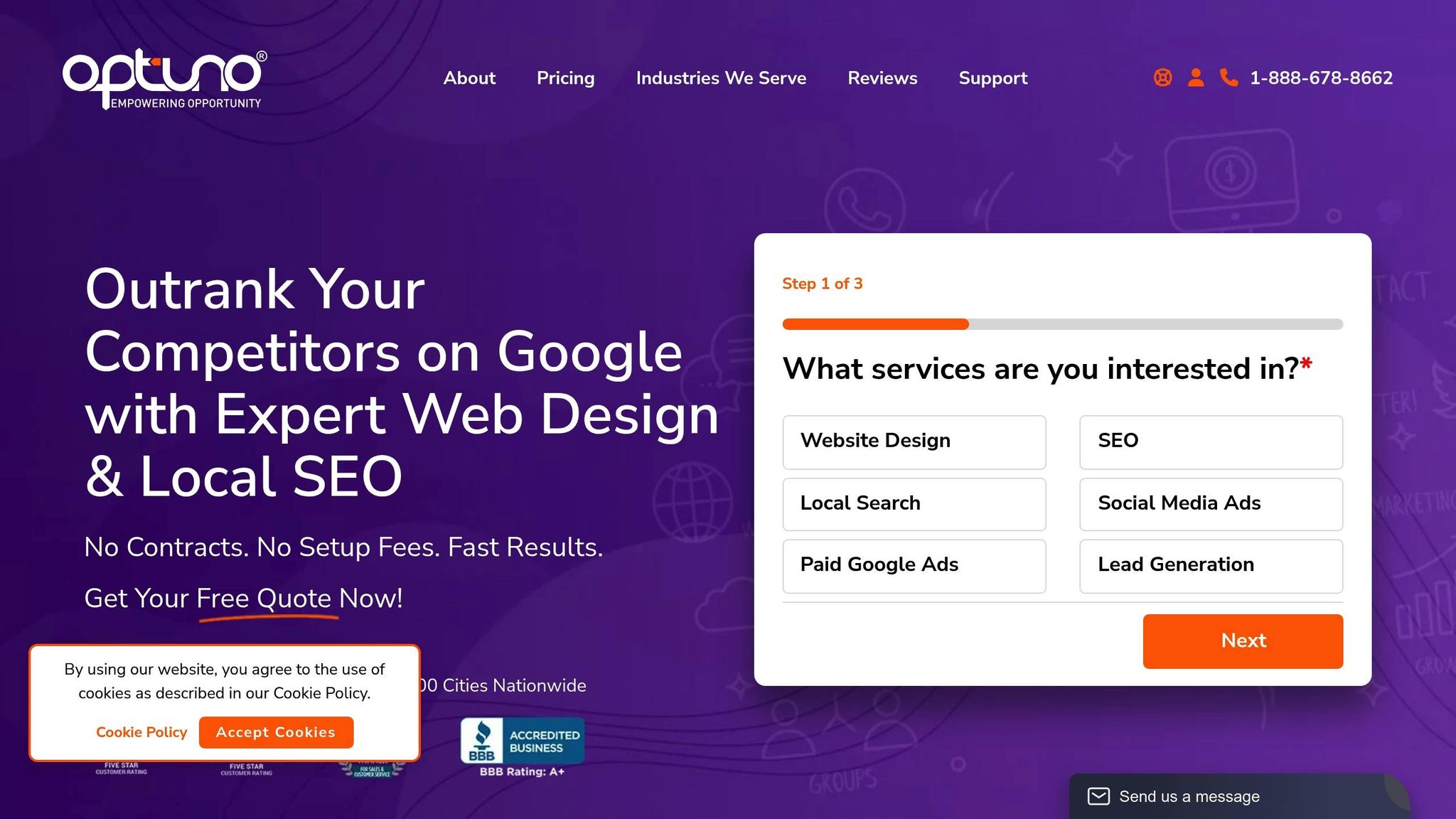
Managing website design, SEO, lead generation, and regular updates can quickly become overwhelming. That’s where Optuno steps in, offering tailored solutions for small and medium-sized businesses. Their services cover everything from custom website design to local SEO and digital marketing.
Optuno focuses on creating websites that not only look professional but also function as lead-generation machines. Their Business Starter plan includes essentials like custom design, local SEO, secure hosting, and ongoing support - helping your site convert visitors into customers right from the start.
For businesses aiming to scale faster, the Business Accelerator plan takes things further with advanced SEO, dedicated lead generation tools, detailed analytics reports, and unlimited website updates. Optuno also assists local businesses with competitor analysis, online reputation management, and local search optimization - key for businesses targeting specific geographic areas.
With a well-designed website and professional support, you’ll be better equipped to integrate additional tools that engage and convert visitors.
Adding Online Scheduling and Marketing Features
Modern lead generation goes beyond just capturing interest - it’s about turning that interest into action. Tools like online scheduling and email marketing integrations can help convert casual visitors into booked appointments or active subscribers.
Online scheduling tools allow visitors to book directly through your site, while email and SMS integrations handle follow-ups automatically. These features are especially useful for service-based businesses, enabling customers to view availability and book appointments instantly. Automated follow-ups ensure leads stay engaged by delivering helpful content and timely reminders.
Sales tracking tools are also evolving to include AI-driven insights, voice recognition for hands-free updates, and interactive dashboards for better data visualization. These features help you spot trends, identify top-performing channels, and adjust your strategy accordingly.
To keep things manageable, focus on 4–6 core tools that cover the essentials: landing pages, email automation, lead capture, engagement features, and analytics. Look for solutions that are easy to use and integrate smoothly with your existing systems. This approach ensures you have everything you need to attract, engage, and nurture leads without overwhelming your workflow.
Key Takeaways
Building a website that generates leads effectively demands thoughtful design, trust-building, and ongoing optimization. It all begins with a clean, mobile-friendly layout that loads fast and offers seamless navigation. Whether someone visits on a phone or a desktop, they should be able to find what they need in just a few seconds.
Once your design is user-friendly, focus on lead capture elements to encourage conversions. Make it simple for visitors to take that first step - whether that’s downloading a free resource, booking a consultation, or reaching out through a contact form.
Trust plays a huge role in converting visitors into leads. Customer testimonials, clear privacy policies, and polished, professional content help build credibility. When people feel assured about your business, they’re more likely to share their information and engage further.
To take things up a notch, leverage analytics tools and expert support. Platforms like Google Analytics 4 and Hotjar can offer valuable insights into how visitors interact with your site. Additionally, professional services can help with technical tasks like website optimization, local SEO, and setting up lead generation systems.
Ready to get started? Begin with the basics: ensure your website is mobile-friendly, fast-loading, and easy to navigate. Add one or two lead capture forms with clear, enticing value propositions. Highlight customer testimonials prominently. Finally, set up basic analytics to track your progress.
Keep in mind that lead generation isn’t a one-and-done task - it’s an ongoing effort. Regularly test your site, update content, and use data to refine your approach. With consistent effort, your website can become a steady source of new business opportunities.
FAQs
How can I make sure my website works well on both desktop and mobile devices?
To make sure your website works smoothly on both desktop and mobile devices, focus on responsive design. This method ensures your site automatically adapts its layout and elements - like images and text - to fit various screen sizes. Start with a mobile-first design strategy, which prioritizes smaller screens and then scales up for desktops, ensuring maximum usability and performance.
Stick to flexible layouts that use percentage-based widths instead of fixed dimensions. Boost your site's performance by compressing images, streamlining your code, and testing it across different devices and browsers. A fast, user-friendly site not only keeps visitors engaged but also increases the chances of turning them into leads.
What are some effective lead magnets for different types of businesses?
Effective lead magnets are all about matching your offer to your audience's needs and your business goals. Popular options include eBooks, guides, checklists, templates, webinars, and industry reports - all designed to deliver helpful insights while capturing valuable leads.
For B2B companies, tools like case studies or detailed guides are excellent for demonstrating expertise and building trust. Accountants and financial professionals often find success with practical tools like tax calculators or budgeting templates. Meanwhile, small businesses can attract attention with concise, shareable resources such as checklists, cheat sheets, or webinars that tackle specific customer challenges.
The secret? Make sure your lead magnet speaks directly to your audience’s needs and provides actionable value they can use right away.
How can I simplify lead capture forms without losing important details?
To boost your conversion rates, aim for simplicity with your lead capture forms. Stick to the basics - fields like name and email - and avoid asking for more information than you truly need. The fewer fields you include, the smoother the process, making it more likely that visitors will complete the form.
Make sure your forms are easy to spot by placing them in prominent locations, such as above the fold or next to a strong call-to-action. Experiment with different designs and wording to ensure the form feels intuitive and resonates with your audience. Keeping things simple and accessible can help you gather quality leads without overcomplicating the process.

 View Printer Friendly Version